
Getting Started in Create a Battle Bot
From Show Lot spawn to your first Crash Arena win—finish the tutorial, craft, train, redeem codes, then fight.
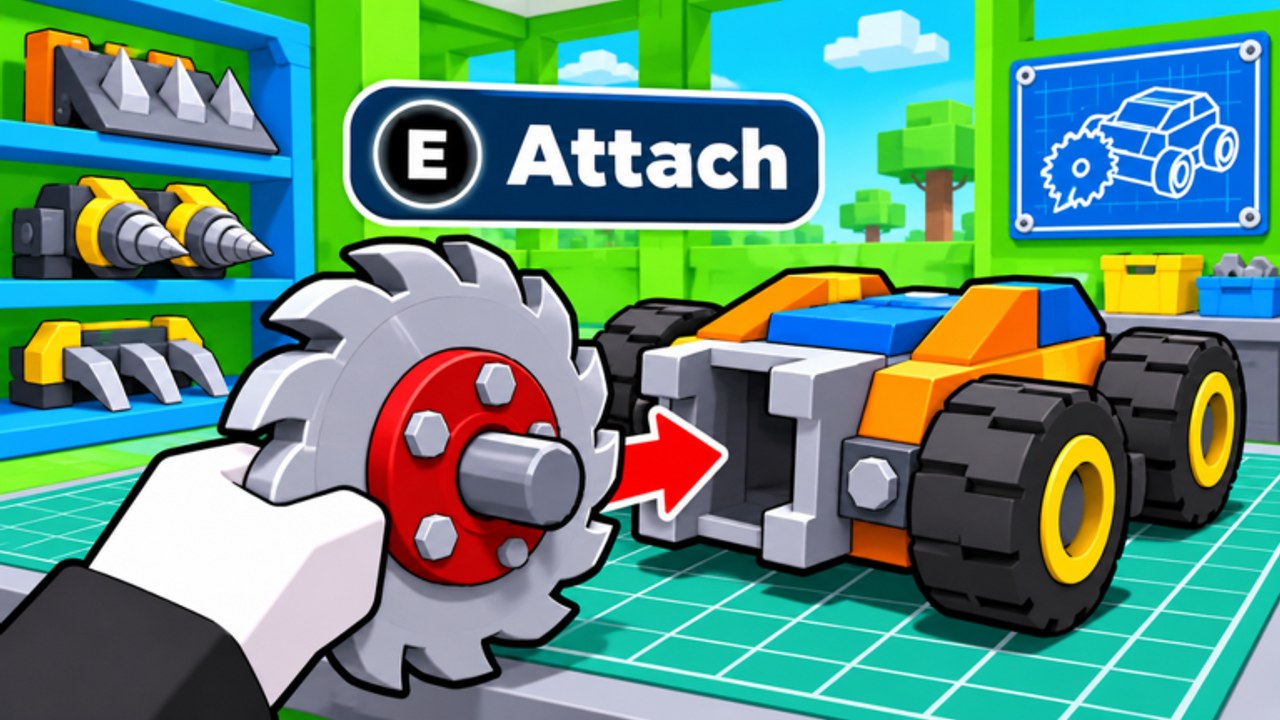
Create a Battle Bot is a Roblox experience by Liberation Ventures where you design combat robots, level them on a Push Machine, and send them into bosses and tournaments. The game released around 28 October 2026. This day-one guide walks you from spawn through your first craft, first training session, first arena run, and first code redemption so you do not waste early cash or rare parts.
This wiki covers Create a Battle Bot by Liberation Ventures. It is not the same as similarly named Roblox titles such as Build A Battle Bot, Build a Bot and Fight, or Crash Bots. If a code or mechanic from another bot game fails here, you are probably in the wrong experience—join the Liberation Ventures listing linked from this site.
Spawn in your Show Lot
When you join, you land in your personal Show Lot. Think of it as a garage and display floor: unfinished frames, finished bots, and the stations you will use every session live here. Take a moment to orient yourself before skipping the tutorial. The Show Lot is also where you name bots and show off loadouts to other players who visit your lot later.
Complete the onboarding prompts in order. Skipping steps can leave the code entry UI locked—codes only work after the tutorial finishes. If Settings looks empty or ENTER does nothing, finish every tutorial beat, then reopen Settings.
Like and favorite the game
Before you leave the Roblox page, like and favorite Create a Battle Bot. The developer advertises a cash gift for players who do both. That early cash softens the first Craft Station purchases and crate opens. Favoriting also makes it easier to return after a reboot or when a new code drops.
Claim codes immediately
Working codes change over time, but as of late November 2026 the Roblox description listed FIRSTADMINABUSE, 1KCCU (Crimson Strider), and GIFT (2x Luck for 15 minutes). Redeem them as soon as the tutorial unlocks Settings:
- Open Settings (top-right).
- Press ENTER in the codes area.
- Type the code exactly (case sensitive).
- Press REDEEM.
GIFT’s luck window is short—plan a crate or Lucky Wheel pull while it is active instead of redeeming and walking away. Full reward notes and troubleshooting live on the Codes hub. Never paste codes from a different bot game; they will not work here.
Build your first bot at the Craft Station
Every bot is three layers: a Drive Base (mobility and chassis feel), a Battle Body (armor silhouette and mass), and an Assault Rig (the weapon). Assault Rig options include spinning blades, scorpion stingers, and roof flippers. Early on, use whatever parts the tutorial and starter crates give you. Do not sit on a half-built frame hoping for a perfect rare—field a complete bot, then upgrade piece by piece.
Open the Craft Station from your Show Lot, slot Drive Base → Battle Body → Assault Rig, confirm the craft, and name the bot something you will recognize in menus. Naming helps when you own several frames for different arenas. For part roles, synergies, and collection loops, read How to Build and skim the best builds page so you know which weapon archetype you are heading toward.
Train on the Push Machine
A fresh craft is under-leveled for Crash Arena bosses. Park the bot on the Push Machine to raise its level. Training continues while you open crates, tweak another frame, or leave the client running, so treat the Push Machine as background progression rather than a chore you babysit.
Train until the bot feels ready for the first boss tier you can see in the arena UI. Exact level breakpoints shift with patches, but a common early mistake is rushing the arena with a level-1 shell. Details, AFK tips, and when to pause training to fight are covered in How to Train.
Fight in the Crash Arena
Once the bot has a few levels and a complete Assault Rig, enter the Crash Arena. Boss fights pay cash, which funds more parts, crates, and rebuilds. Start on the easiest available boss, learn how your weapon connects (spin clears, stinger pokes, flipper throws), then climb. If you lose repeatedly, return to the Push Machine or swap the Assault Rig instead of burning cash on random crates.
Cash from the arena also feeds the rebirth decision later. Rebirth keeps bot level and parts while increasing fight money—do not rebirth on day one unless you already understand the economy. See Crash Arena and Rebirth when you are ready.
Underground Tournament and extras
When you have a stable loadout, try the Underground Tournament for prizes beyond standard boss cash — full prep is on Underground Tournament. Treat tournament runs as a check on whether your build works against varied opponents, not as your only income. Between fights, open crates, spin the Lucky Wheel, and chase rare parts that upgrade your Drive Base, Battle Body, or Assault Rig (Crates and Lucky Wheel). Display favorites in the Show Lot so you can compare frames at a glance. If Settings or station menus still confuse you, skim Controls.
Day-one checklist
- Finish the tutorial without skipping code unlock steps.
- Like and favorite the Roblox experience for the cash gift.
- Redeem current codes via Settings → ENTER → code → REDEEM (Codes); menu help on Controls.
- Craft Drive Base + Battle Body + Assault Rig at the Craft Station (How to Build).
- Level the bot on the Push Machine (How to Train).
- Clear an early Crash Arena boss for cash (Crash Arena).
- Open crates during luck windows (Crates and Lucky Wheel).
- Compare your weapon type against the tier list and best builds.
- Name the bot and park it in the Show Lot before you log off.
Follow that loop and you will finish hour one with cash, a leveled bot, redeemed codes, and a clear path into mid-game farming—without confusing this title for another Roblox bot game.
Frequently Asked Questions
Quick answers to the most common questions.
Where do I spawn in Create a Battle Bot?
You spawn in your personal Show Lot, which acts as a garage and display space for crafting, naming, and showing bots.
When can I redeem codes?
After the tutorial. Open Settings (top-right), press ENTER, type the code exactly, then REDEEM. Codes are case sensitive.
What three parts make a battle bot?
Drive Base, Battle Body, and Assault Rig. Assemble them at the Craft Station; the Assault Rig is your weapon (spinner, stinger, flipper, and similar).
Is Create a Battle Bot the same as Build A Battle Bot?
No. This wiki covers Liberation Ventures’ Create a Battle Bot. Other similarly named Roblox bot games use different codes and systems.
Should I rebirth on day one?
Usually no. Learn crafting, training, and Crash Arena cash first. Rebirth keeps level and parts but is stronger once you understand fight money scaling.